
When Narration Drifted: Sorting Out Sync for Leanne's Explainer
A short story about Leanne, a small-team producer whose explainer narration slipped out of step with picture, and how we found the cause and locked the audio back to the timeline.
Daniel Okafor · · 6 minutes to read
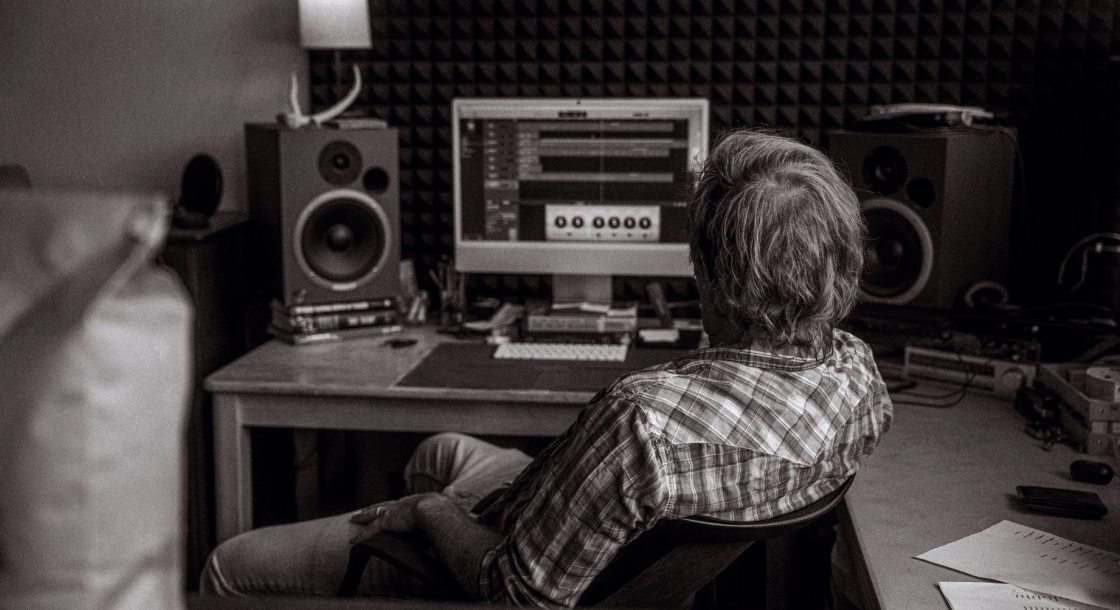
The message that arrived mid autumn
Leanne produces short explainer films for a small training company, and her message reached us during the quieter days of mid autumn. She had an eight-minute film with a recorded narration, approved by her client, and every time she played it back the voice seemed to wander away from the picture. At the start, the words landed where she expected. By the closing minutes, the narrator was speaking about a diagram that had already left the screen.
She was not asking for a rewrite or a new recording. She wanted to know whether the problem was in her edit, in the audio, or in something she had done on export. I asked her to send the project notes, the original recording as delivered, and her latest export, and I said I would look at all three before suggesting anything.
What the first listen told us
Before touching any tool, I listened to the exported film against the original narration, with the picture muted. The voice itself was clean and the edit points were tidy. That ruled out a poor cut as the main cause. What I noticed was that a clap she had placed at the start of the recording sat exactly where it should, while a spoken cue near the end sat noticeably later than in the source file.
That pattern is the signature of drift rather than a simple offset. An offset moves everything by the same amount, so the whole track sounds consistently early or late. Drift grows steadily, so a film can feel fine for the first minute and wrong by the last. Knowing which one we faced decided the whole approach, and it took only a few minutes of careful listening.
- A fixed gap along the whole film points to an offset
- A gap that widens as the film plays points to drift
- Check a marker near the start and one near the end
Finding where the timing was slipping
Leanne's narration had been recorded at one sample rate on a portable recorder, while her editing project was set to another. The software had converted the file on import without any warning she had noticed, and a small mismatch in how the clip was conformed had stretched it very slightly. Over eight minutes, that tiny stretch added up to a little under a second, which is plenty to make a narrator describe the wrong slide.
I explained this to her in plain terms, because the cause matters as much as the cure. It was not a mistake in her cutting and it was not a fault in the recording. It was a setting that nobody had been told to check. Once she understood that, she could see why the problem had looked so random from the editing chair.
Putting the audio back in step with picture
We brought the original narration into a fresh timeline whose sample rate matched the recording, and placed the opening clap against its visual cue as the anchor. Then we checked three further points through the film, including that late spoken cue, and confirmed each one landed on its picture moment without any adjustment. With the conforming problem removed, no stretching or nudging of individual phrases was needed at all.
Leanne then rebuilt her edit decisions on top of that corrected audio, keeping her trims and pauses. I watched the full film with her on a call, headphones on, pausing wherever a word and an image were meant to meet. Where a pause felt slightly early, she moved it by a few frames, which is a normal finishing touch and nothing to do with the fault.
- Match project and recording sample rates before importing
- Anchor the start with a clap or a clear visual cue
- Verify at least three points spread through the film
The checks she kept for next time
Before she signed off, Leanne wrote her own short routine on a card by her monitor. It starts with confirming the recording's sample rate and the project's setting before a single clip goes in. It continues with marking a sync point at the beginning and another near the end of every long take, so any drift shows up while there is still time to fix it cheaply.
She also decided to export a short test of the final minute whenever a film is longer than a few minutes, and listen to it against picture before sending a review version. None of this is complicated, but each step is easy to skip when a deadline is close. The routine took her less than five minutes to run, and it replaced an afternoon of puzzled playback.
- Confirm both sample rates first
- Mark sync points at start and end
- Listen to a test export of the last minute
What a producer can take from this
Sync trouble feels mysterious until it is described accurately. Drift and offset look similar to the ear but have different causes, and naming which one you have is half the repair. Leanne's film did not need a clever fix; it needed someone to ask where the audio came from and how it had been handled on the way into the project.
If you recognise the symptom in your own work, start by comparing a marker early in the film with one late in the film. That single comparison tells you whether you are chasing a gentle stretch or a constant gap, and it makes the next conversation with an editor, or with us, far more precise and far quicker.
Leanne's explainer went to her client with the narration sitting comfortably against every diagram, and the only change to her workflow was a short list of checks made before editing began. Most sync faults are found by comparing a marker near the start with one near the end. If your own film behaves as hers did, that comparison is where I would begin, and the quote request form is there if you would like a second pair of ears.
Daniel Okafor
Instructor, Sync and ReviewDaniel works with picture editors on synchronisation and review workflows. He guides learners through feedback rounds and revision scope.